
CSV import problems
A safer Shopify product import cleanup workflow for small merchants
A suite workflow for small merchants who want safer product imports and cleaner live catalog data.
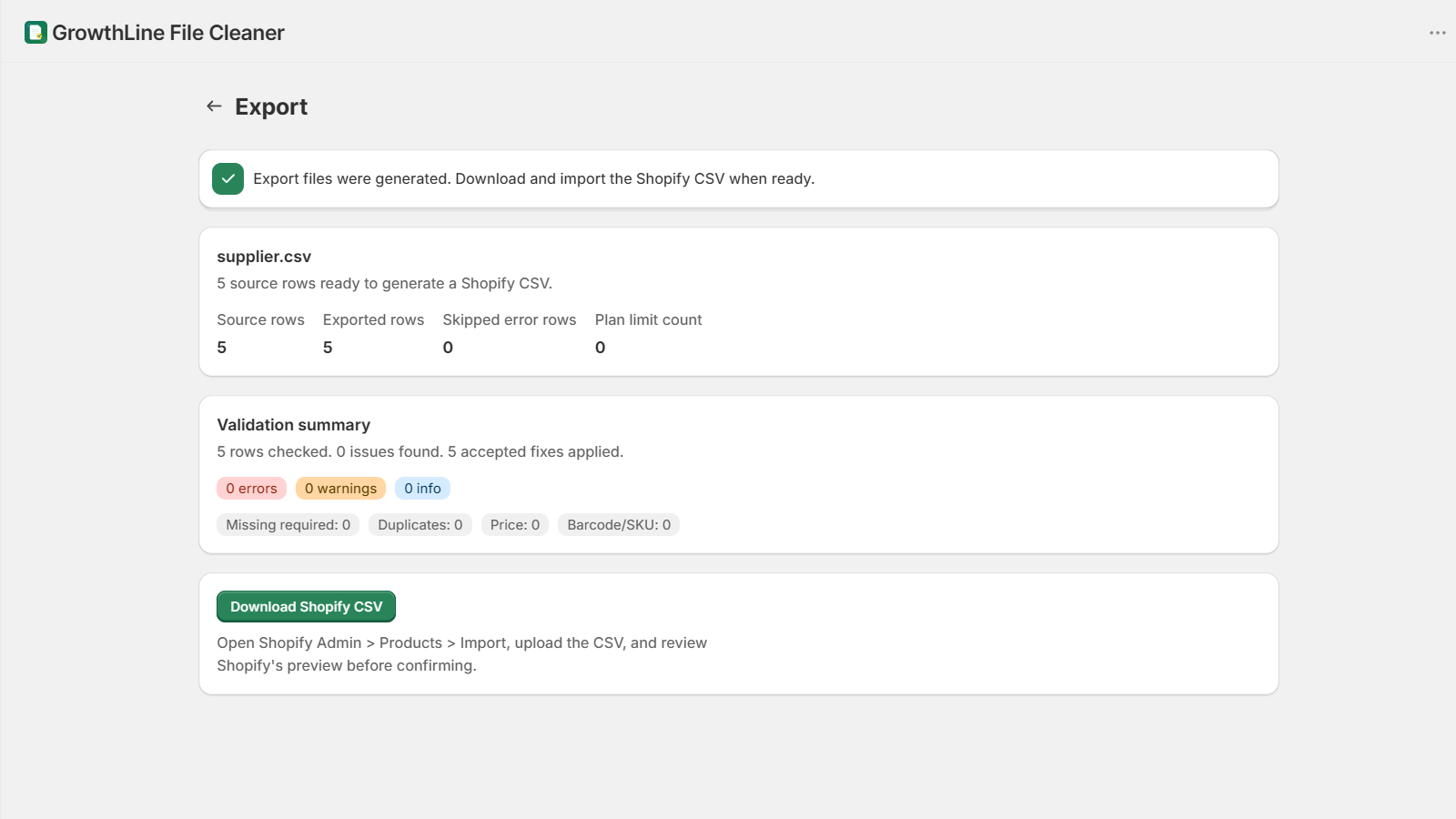
Step 1: review the supplier file
Start by checking whether the supplier file has usable product titles, identifiers, prices, and variant data.
Step 2: clean and validate before import
Use GrowthLine File Cleaner to preview, map, validate, and export a Shopify-ready CSV for review.
Step 3: import carefully through Shopify Admin
Review the export before importing and test with a smaller file when the supplier format is new.
Step 4: scan the live catalog after import
Use GrowthLine Catalog Doctor to find live catalog issues that only appear after the products are in Shopify.
Future restore-point workflow
GrowthLine Catalog Backup will be added to the public suite only when it is ready. Its role will be restore points before risky catalog changes.