
Live on Shopify
GrowthLine File Cleaner
Clean supplier CSV and Excel files before importing products.
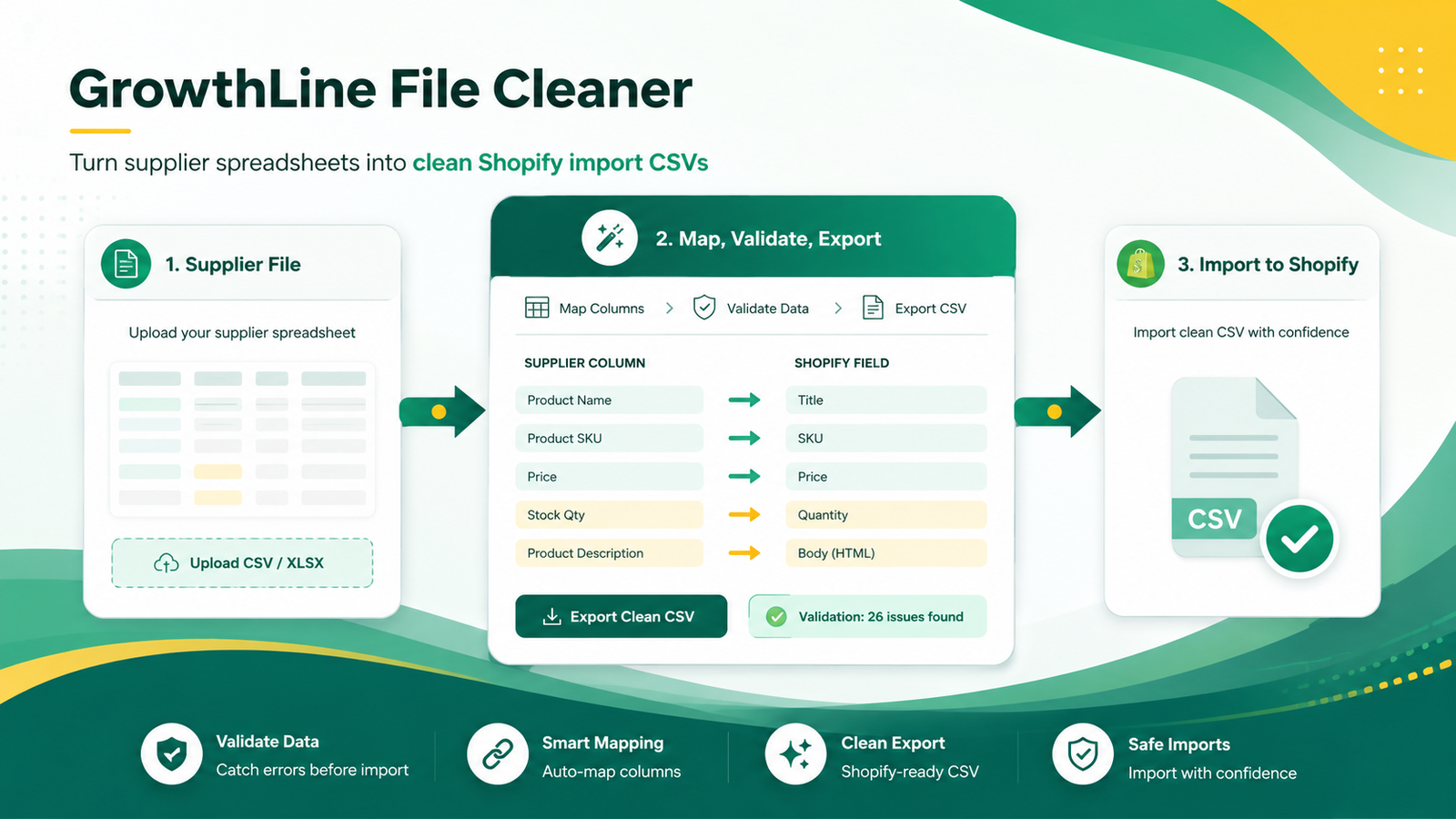
Turn messy supplier files into Shopify-ready product CSVs. Detect duplicate SKUs, duplicate barcodes, missing fields, price issues, and risky rows before importing.
Product screenshots
See the workflow
Best fit
For merchants who receive supplier catalogues, price lists, or stock files and need safer import preparation.
Core features
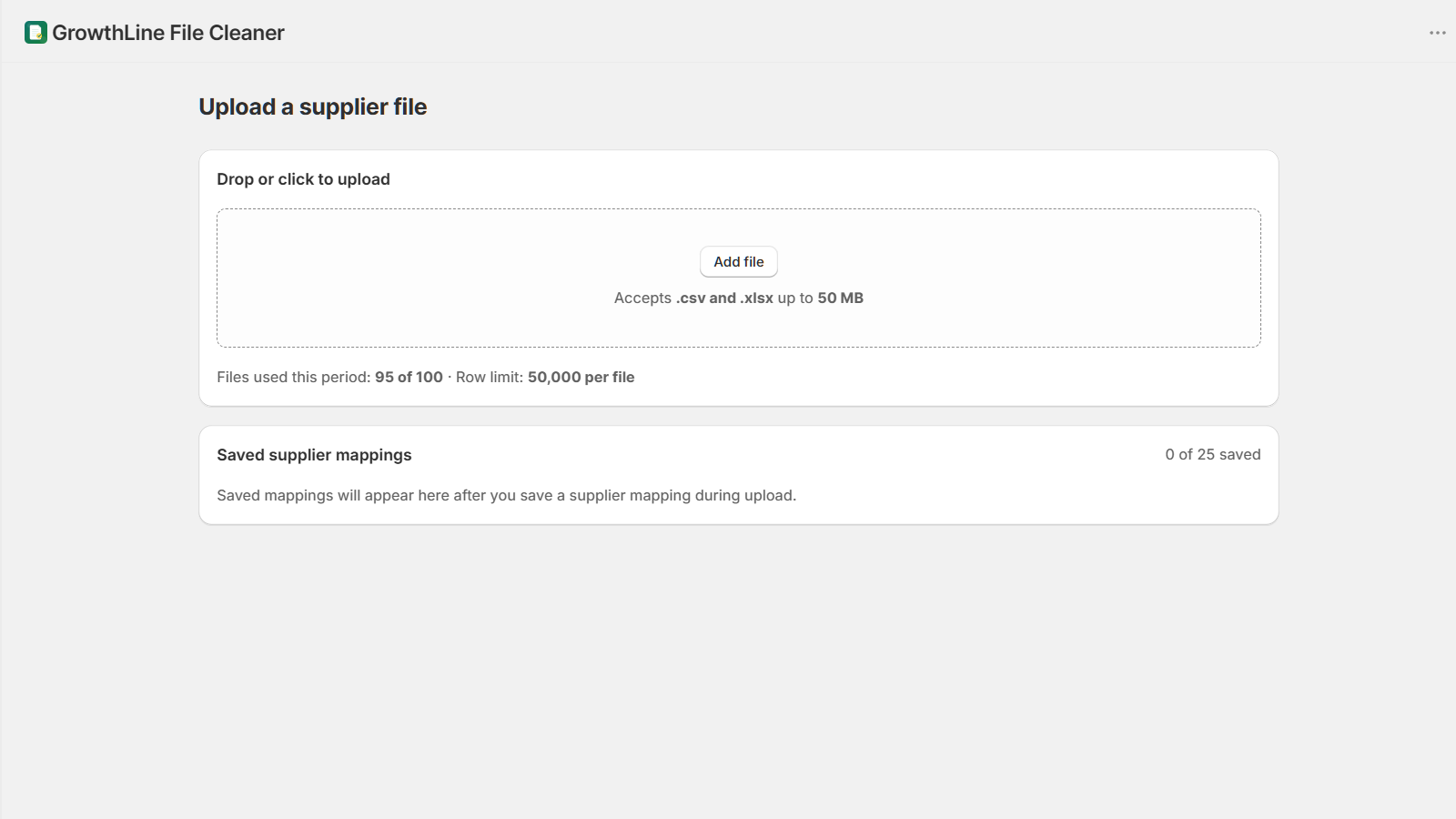
- Upload CSV and XLSX supplier files
- Map supplier columns to Shopify product fields
- Save supplier mapping profiles
- Detect duplicate SKUs, duplicate barcodes, missing titles, and price issues
- Export Shopify-ready product CSVs and issue reports
Workflow
- Upload the supplier file
- Map and validate columns
- Review risky rows and suggested fixes
- Export a cleaner Shopify import file
Review notes
- The merchant remains responsible for reviewing exported CSV files before importing them into Shopify.
- The app may reject unsupported, oversized, malformed, or unsafe supplier files.
Guides
Related guides
Suite workflow
After importing, scan the live catalog with Catalog Doctor.
After importing, run a catalog scan to catch issues that only appear in the live Shopify catalog.
Scan your live catalog after import