
Supplier file cleanup
How to clean supplier CSV and Excel files for Shopify import
A tool-oriented workflow for turning supplier files into Shopify-ready CSV exports.
Why supplier files need cleanup
Supplier spreadsheets often use their own column names, formats, price conventions, and identifier rules. Shopify imports need a cleaner product structure.
Map important fields first
Start with the fields that affect whether products can be reviewed and imported safely.
- Title
- SKU
- Barcode
- Price
- Vendor
- Product type
- Variant fields
Check common file issues
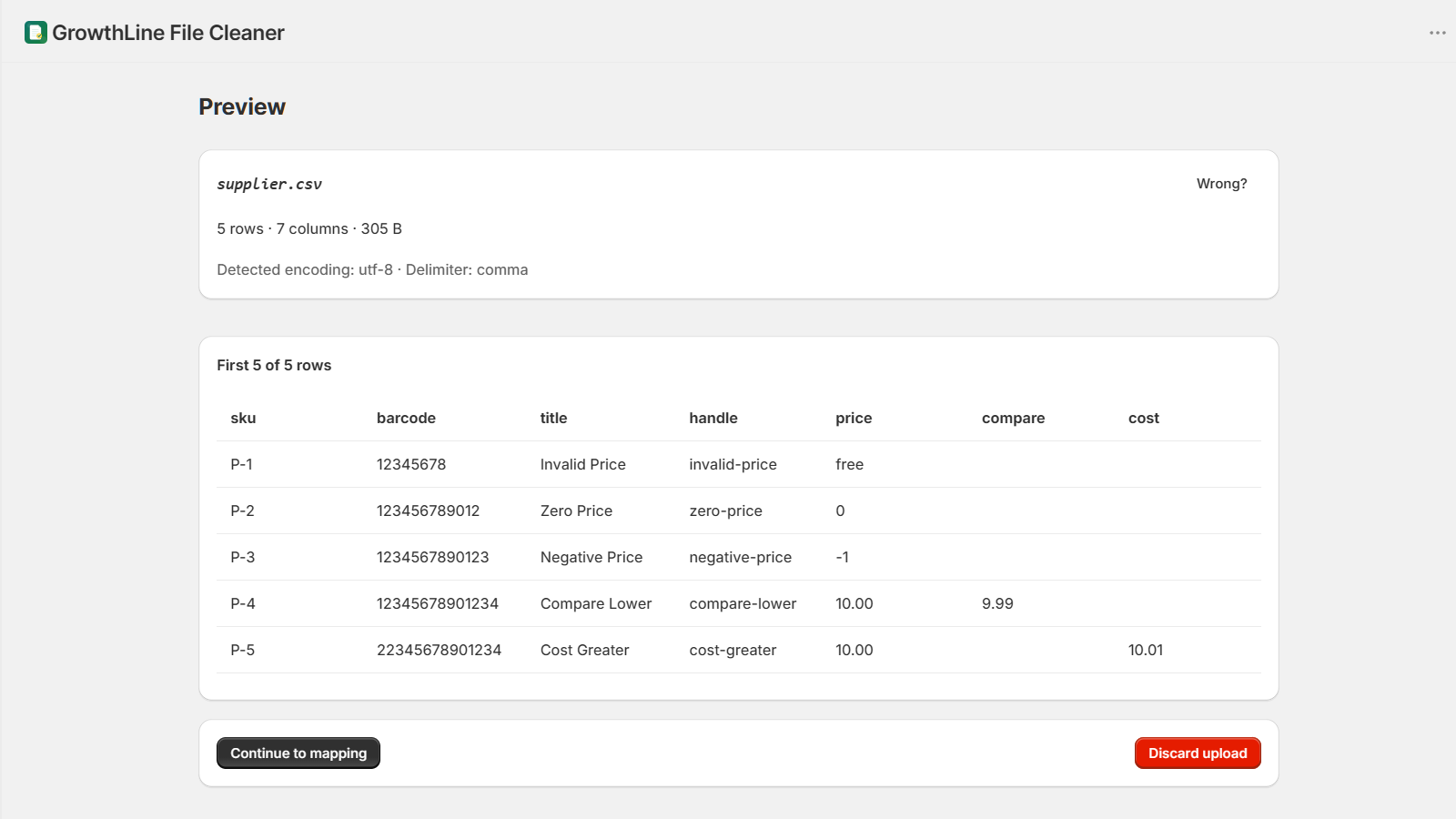
Before export, look for missing titles, duplicate SKUs or barcodes, invalid prices, inconsistent columns, and rows that do not parse cleanly.
Use File Cleaner for repeatable cleanup
GrowthLine File Cleaner lets merchants preview parsed files, save supplier mappings, validate rows, review risky data, and export Shopify-ready CSVs.
Review before importing
The exported CSV should still be reviewed by the merchant before importing through Shopify Admin.