
Catalog health
How to check your Shopify catalog for product data issues
A practical guide for merchants who want to audit live Shopify product data after imports, syncs, or bulk edits.
Why live catalogs need scans
Imports, supplier updates, app syncs, and manual edits can leave product issues that are not obvious from the product list.
What to scan
Useful catalog scans look at product and variant identifiers, titles, images, prices, vendors, product types, and visibility risks.
Manual audit limits
Manual spot checks can miss patterns across variants or products, especially when the catalog has grown over time.
Where Catalog Doctor fits
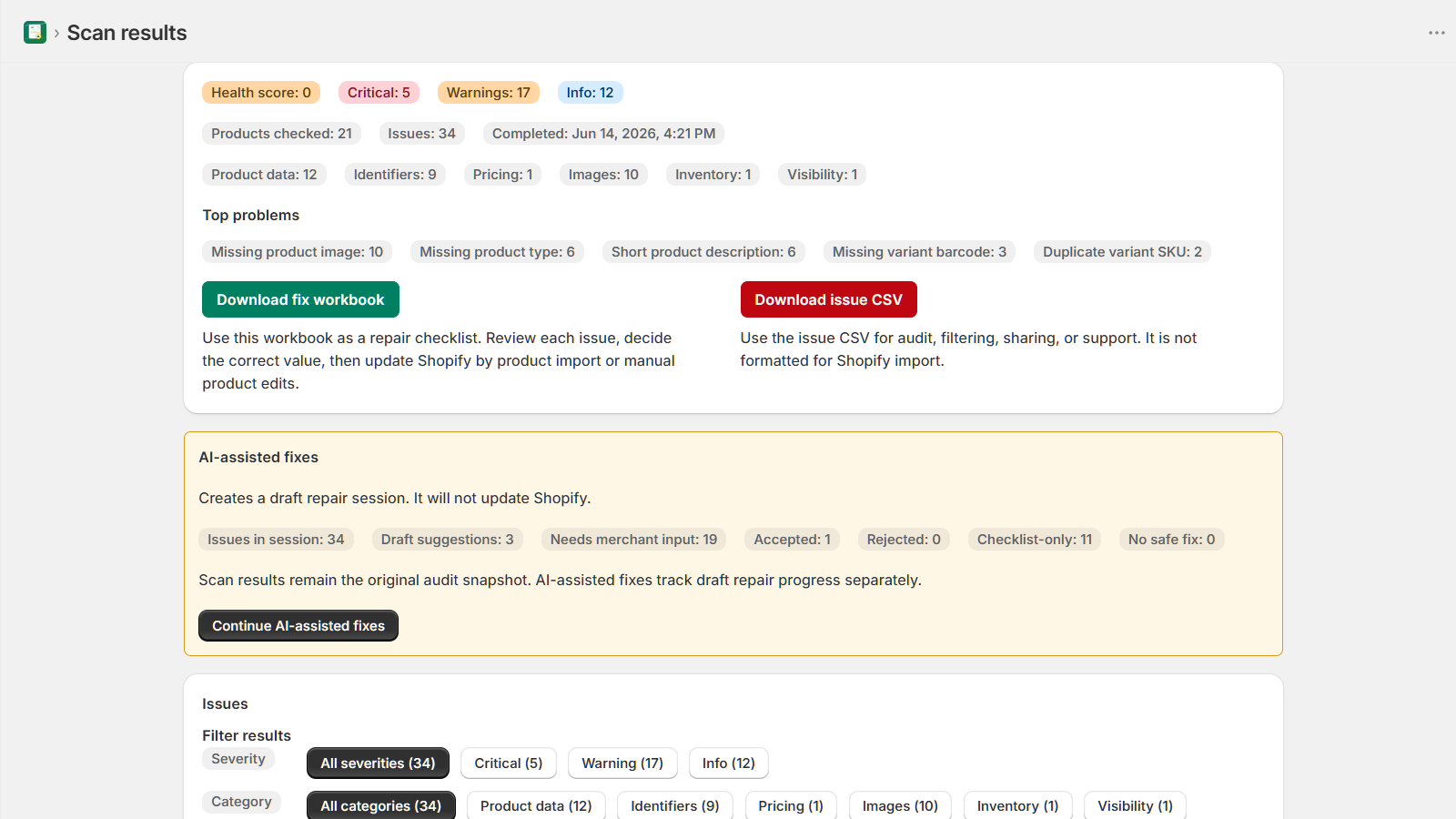
GrowthLine Catalog Doctor scans live Shopify catalog data and produces issue reports and repair guidance for merchant review.
When to run a scan
Run scans after imports, supplier updates, bulk edits, app syncs, or before major sales events.